

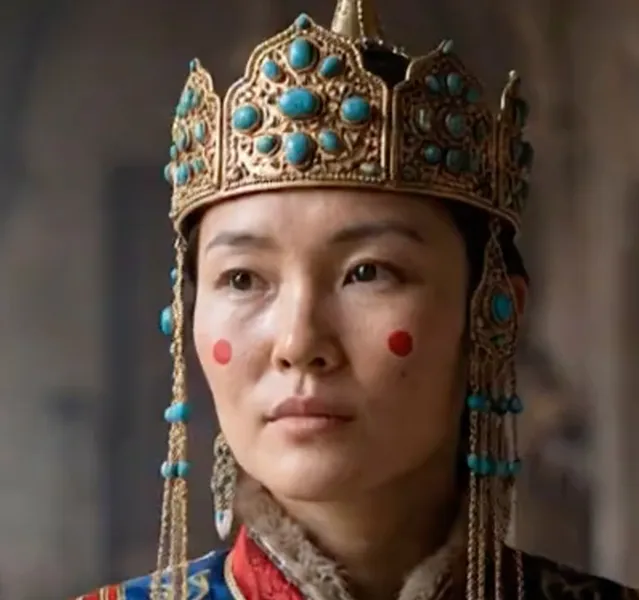
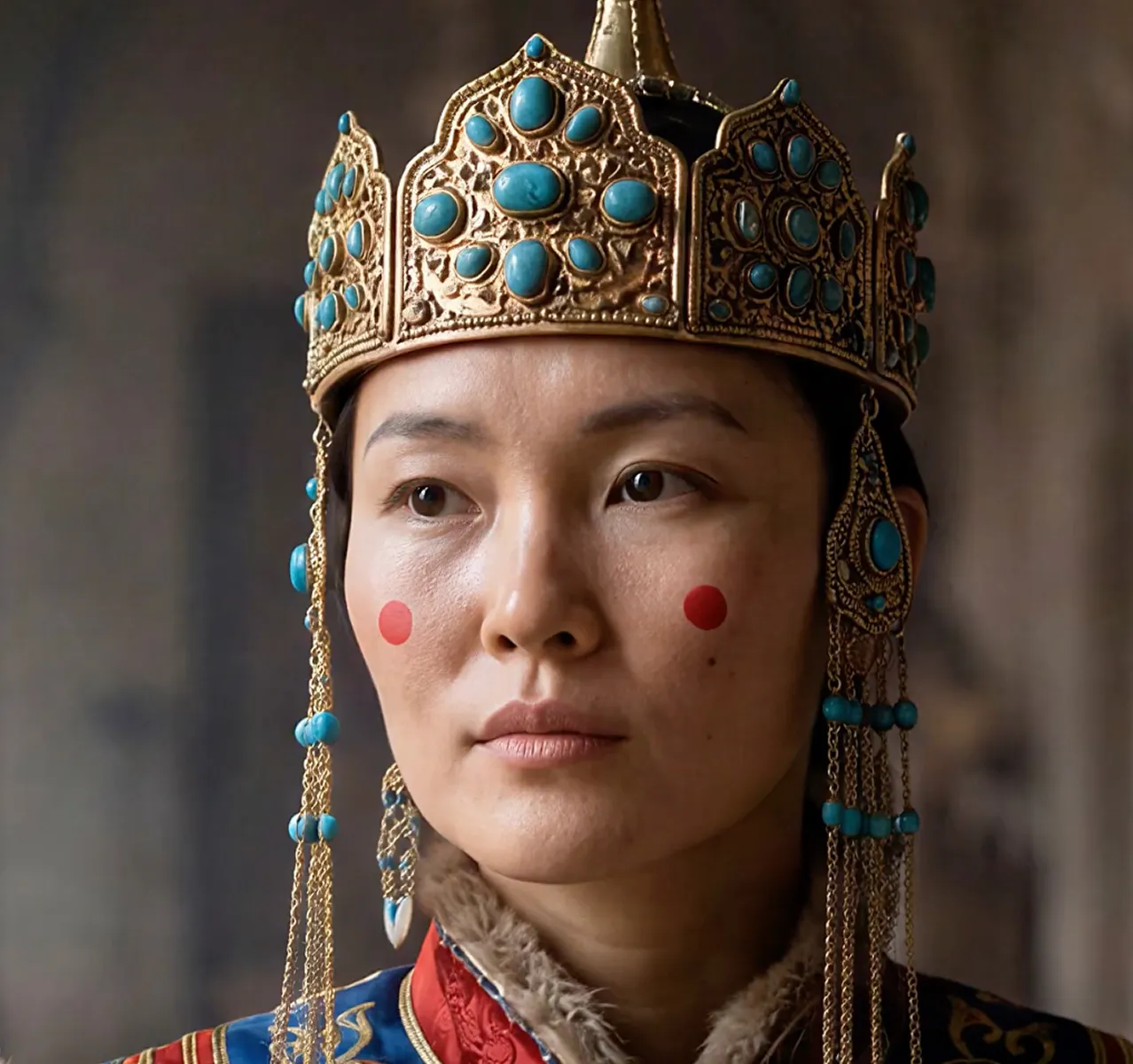


Upscale

Up to 8x upscaling.
Take your images to extreme scales while retaining the details that make your images pop.

Bloom
Creative upscaling for art and AI creations
Creative 8x upscale.
New detail.
Lifelike texture.
New At Topaz Labs
Run our latest models developed for high-accuracy enhancements up to 4K for a wide range of video content—from genAI and live action to animated films.
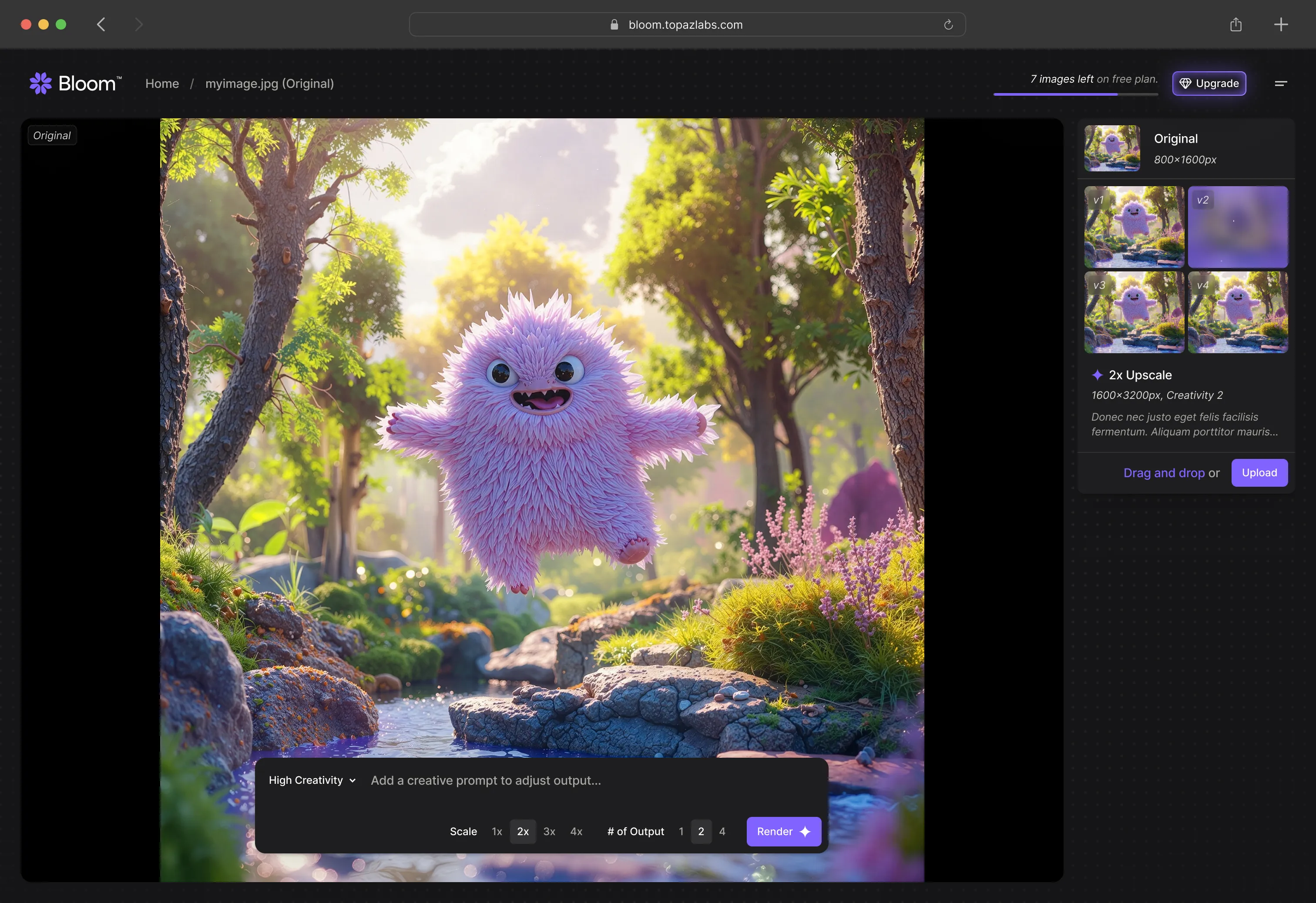
Creatively upscale images made with Al up to 8x, while adding stunning detail that's both accurate to your input, and creative at the same time.

"Bloom from @topazlabs is 🔥🔥 The results always hit me right in the heart, it works beautifully with everything from editorial to surreal"
Upscale
Take your images to extreme scales while retaining the details that make your images pop.
Creativity Control
Use lower creativity settings to enhance the details while retaining the core of your image, or push the limits with higher creativity to add stunning, new detail.
Prompt Influence
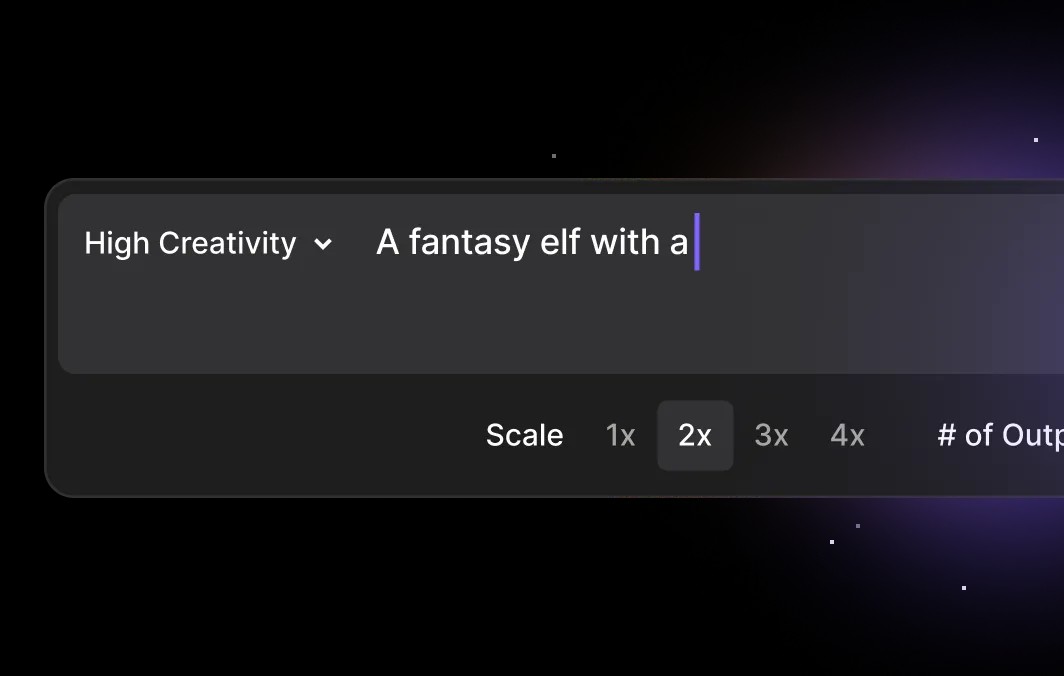
Tune your outputs with a detailed prompt. Add striking new details or refine the ones that are already there.
Creative Variance
Render out multiple versions of your images at once. Every render is unique. Play around until you find exactly what you're looking for.

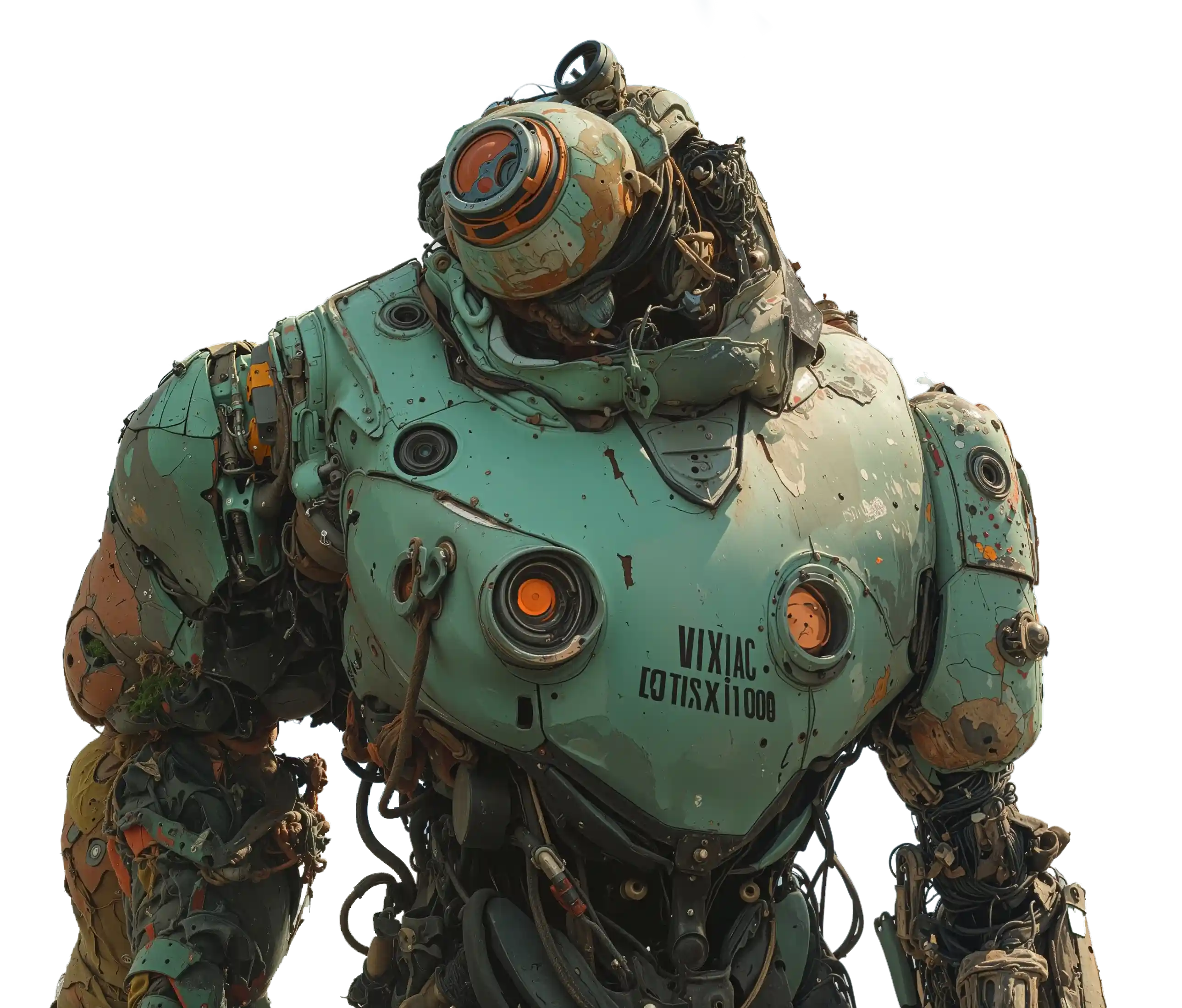
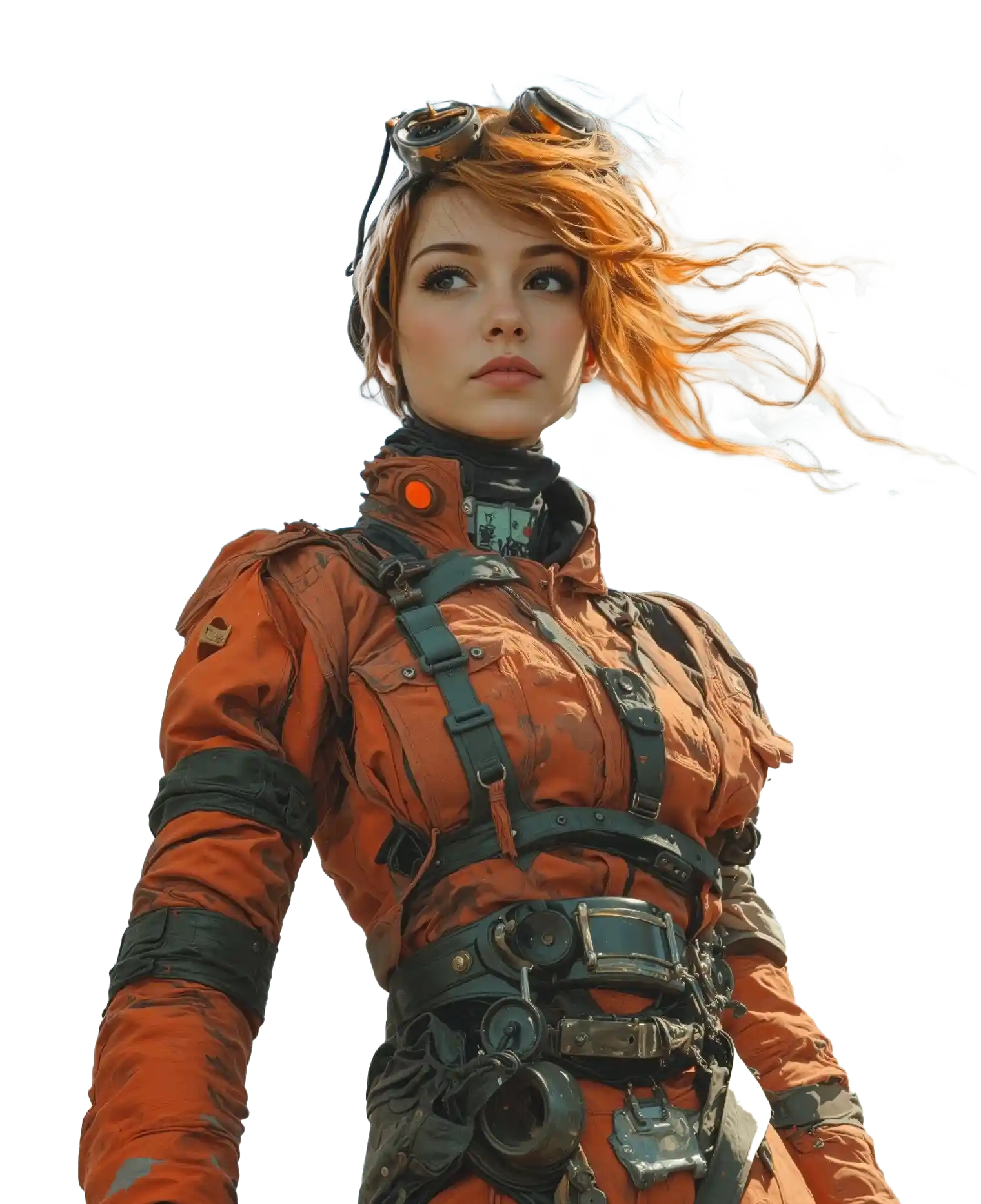
Brilliantly enhance every pixel, from fabric textures, to skin, to metal and electronics.
Buy nowStart creating today for free and get unlimted rendering when you decide to subscribe.
Iterate and Remix
Don't stop at just one. Create multiple variations, try different settings, and even use a Bloom render as a new starting place.

Share
Easily copy and paste your Bloom creations to share with your friends and on social media.
Start creating today for free and get unlimited rendering when you decide to subscribe.
 Included in Topaz Studio
Bloom
Get started now for free, or unlock unlimited uses with a subscription.

$19/mo
Features

Unlimited cloud image rendering
Also includes
2—Image cloud concurrency
32MP export limit
Limited commercial use*
Personal and commercial use for orgs under $1M USD annual revenue.
$27/mo
Features
Unlimited cloud image rendering
Also includes
2—Image cloud concurrency
32MP export limit
Limited commercial use*
Personal and commercial use for orgs under $1M USD annual revenue.
$39/mo
Features
Unlimited cloud image rendering
Also includes
2—Image cloud concurrency
32MP export limit
Limited commercial use*
Personal and commercial use for orgs under $1M USD annual revenue.

$41/mo
Features
Unlimited cloud image rendering
Also includes
4—Image cloud concurrency
100MP export limit
Full commercial use
$54/mo
Features
Unlimited cloud image rendering
Also includes
4—Image cloud concurrency
100MP export limit
Full commercial use

$399/yr
Features
All the apps
Topaz Video, Topaz Photo, Topaz Gigapixel, Topaz for Mobile, Bloom, Topaz for Web.Unlimited local rendering
Unlimited cloud image rendering
Also includes
300 monthly video cloud credits
Monthly credits expire at the end of each month and do not roll over.2—image cloud concurrency
32MP cloud export limit*
Limited commercial use*
*Export limit on Bloom and Image Web products only. Personal and commercial use for orgs under $1M USD annual revenue.
$45/mo
Features
All the apps
Topaz Video, Topaz Photo, Topaz Gigapixel, Topaz for Mobile, Bloom, Topaz for Web.Unlimited local rendering
Unlimited cloud image rendering
Also includes
300 monthly video cloud credits
Monthly credits expire at the end of each month and do not roll over.2—image cloud concurrency
32MP cloud export limit*
Limited commercial use*
*Export limit on Bloom and Image Web products only. Personal and commercial use for orgs under $1M USD annual revenue.
$69/mo
Features
All the apps
Topaz Video, Topaz Photo, Topaz Gigapixel, Topaz for Mobile, Bloom, Topaz for Web.Unlimited local rendering
Unlimited cloud image rendering
Also includes
300 monthly video cloud credits
Monthly credits expire at the end of each month and do not roll over.2—image cloud concurrency
32MP cloud export limit*
Limited commercial use*
*Export limit on Bloom and Image Web products only. Personal and commercial use for orgs under $1M USD annual revenue.
Frequently Asked Questions
Bloom is Topaz Labs’ creative upscaling tool designed to improve the quality of AI-generated images. It focuses on enhancing clarity, texture, and realism while staying true to the spirit of the original image.
Bloom is typically used as a quality and realism pass, not as an image generator.
Creative upscaling for images is an advanced AI-driven technique that fundamentally rethinks traditional image resizing. It not only scales images—particularly AI-generated art and digital artwork—up to 8x their initial resolution but also intelligently enriches them by introducing new levels of detail and enhancing their immersive qualities.
Bloom is best used when:
- You like the composition or detail of an AI-generated image
- The image looks low quality, flat, or artificial
- You want the image to feel more real, usable, or professional
Common use cases include:
- Improving realism in AI-generated images
- Enhancing textures such as skin, hair, fabric, foliage, and environments
- Preparing images for video or further post-production
- Cleaning up AI artifacts before exporting to other tools
Bloom is often used mid-workflow, not always as a final step.
Bloom is built primarily for **AI creators and digital artists** working with AI-generated images.
Many users work in professional creative fields such as:
- AI content creation
- Concept development and pitch visuals
- Image-to-video workflows
- Product & Portrait Photography
- Marketing and design assets
Photographers can use Bloom, but for traditional photo enhancement and restoration, Topaz generally recommends *Topaz Photo or Topaz Gigapixel* unless creative upscaling is specifically desired.
Creativity Levels control how much Bloom is allowed to reinterpret or enhance an image.
- Lower Creativity Levels prioritize structure, identity, and fidelity to the original image
- Higher Creativity Levels allow stronger texture, lighting, and material enhancement
Different images respond differently, and users often experiment to find the best balance for each image.
Realism is designed to add natural-looking texture and detail to images that feel artificial or flat.
It is most useful when:
- AI images lack believable texture or lighting
- Surfaces feel smooth or synthetic
- The image needs to feel more natural or grounded
Realism is an enhancement tool, not a strict preservation mode. At stronger settings, it may reinterpret fine details.
Wonder 2 is designed to preserve existing detail and structure.
It works best when:
- The image already contains strong detail
- Accuracy and consistency matter more than enhancement
- Working with humans, faces, or repeated characters
- Keeping logos & text consistent
Wonder 2 focuses on clarity and polish rather than adding new detail.
At higher Creative Levels or when using Realism, Bloom may reinterpret fine details such as faces, skin texture, or small objects.
For sensitive areas:
- Use lower Creative Levels
- Use Precise mode when preservation is critical
Yes. You can guide Bloom with a prompt to reinforce context or intent.
Prompts work best when used to support the image rather than redefine it.
Bloom can generate up to four variations in a single run so you can compare results and choose the best output for your use case.
This is helpful because different variations may handle detail and texture differently.
Bloom is designed to improve image quality, but results depend on:
- The source image
- The settings used
- The level of enhancement applied
Bloom supports creative upscaling up to 8×.
Some plans include a cloud export size limit, commonly encountered around 32–33 megapixels.
We want you to love your Topaz Labs experience. If you purchase a product and it’s not the right fit, no problem—let us know within 2 days, and we’ll provide a full refund.


